Comic dub maker
A comic dub lives or dies on whether characters sound like different people. Uploading a comic page here detects the panels, works out who is speaking in each speech bubble, and assigns a distinct voice per character rather than reading everything in one narrator voice. Panels are revealed in reading order so the video follows the page the way a reader would.
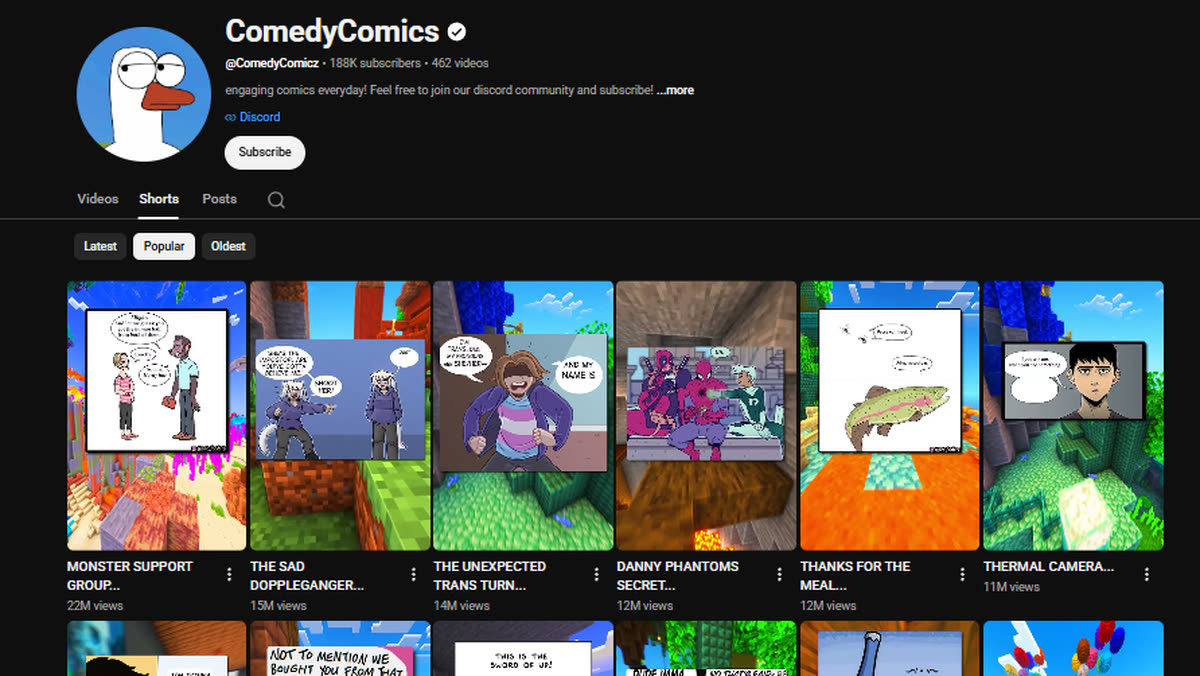
New accounts get free credits. No card required to start.
How it works
Upload a comic page
Panels and speech bubbles are detected together, so dialogue stays attached to the panel it belongs to.
Voices are assigned per character
Each speaking character gets a consistent voice across the page. Narration and captions stay in your chosen narrator voice.
Reveal and effects
Panels reveal in order, with optional impact sound effects on the beats that need them. Both are toggles, so a quiet dub stays quiet.
Rendering happens on our servers
Long jobs do not run in your browser tab, so you can queue several videos, close the page, and collect them later. If a render fails, the credits for it are returned automatically.
Questions
Do different characters get different voices?
Yes. Speakers are identified per bubble and given a consistent voice for the whole page, which is what makes a dub sound like a scene instead of a reading.
What happens with panels that have no dialogue?
Silent panels stay silent. They are held on screen without invented narration, which was a deliberate fix — a wordless beat should read as a beat.
Can I turn the sound effects off?
Yes. Reveal sounds and impact effects are separate toggles and are off unless you enable them.
Does it work with manga too?
Yes, though manga recaps have their own mode tuned for right-to-left reading and irregular panel layouts.
What it costs
Comic shorts are priced per page, including panel detection and multi-voice narration. Credits are prepaid rather than a subscription, and different formats cost different amounts depending on how much narration and rendering they need.